 Split Print
Make a poster from several sheets.
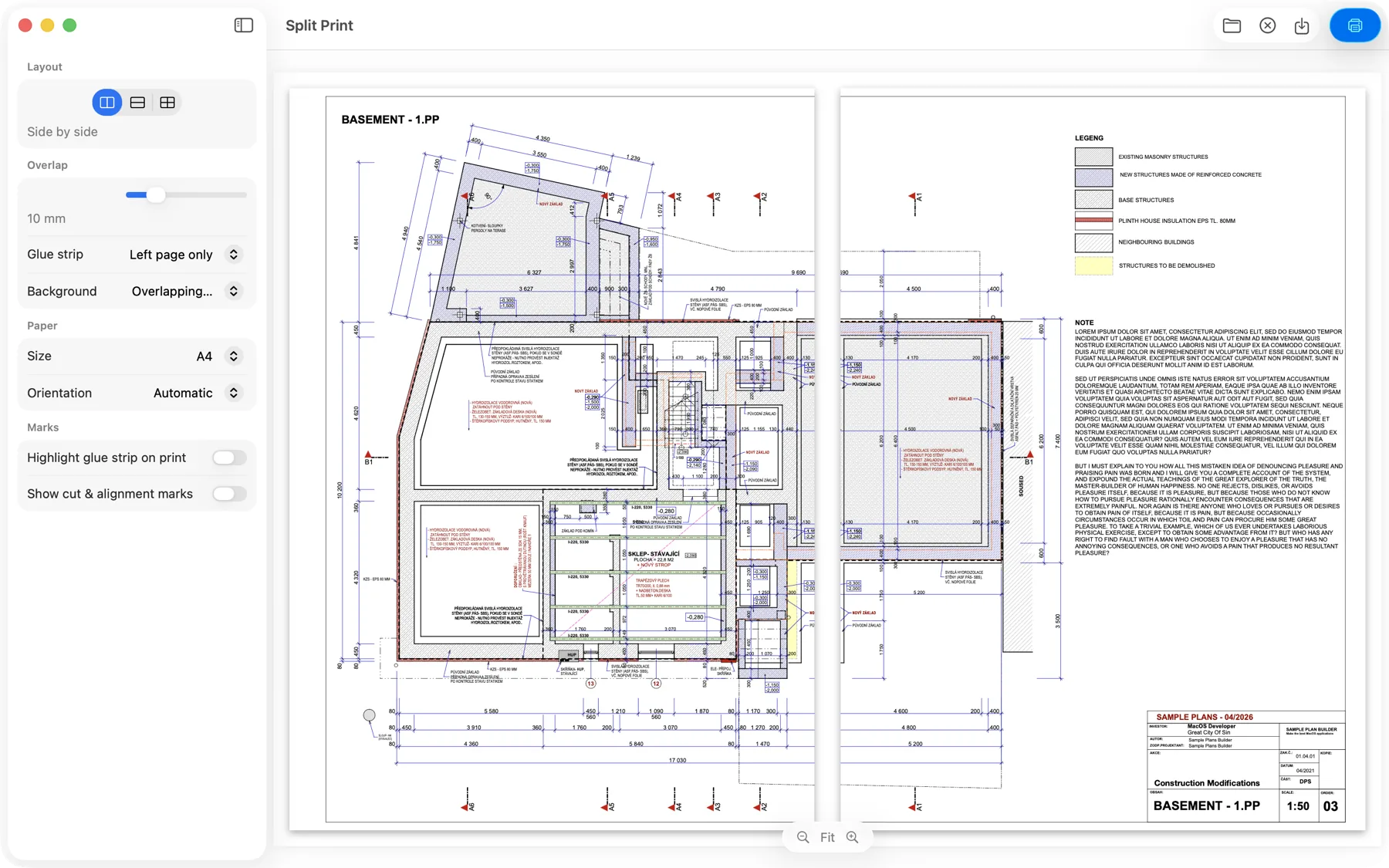
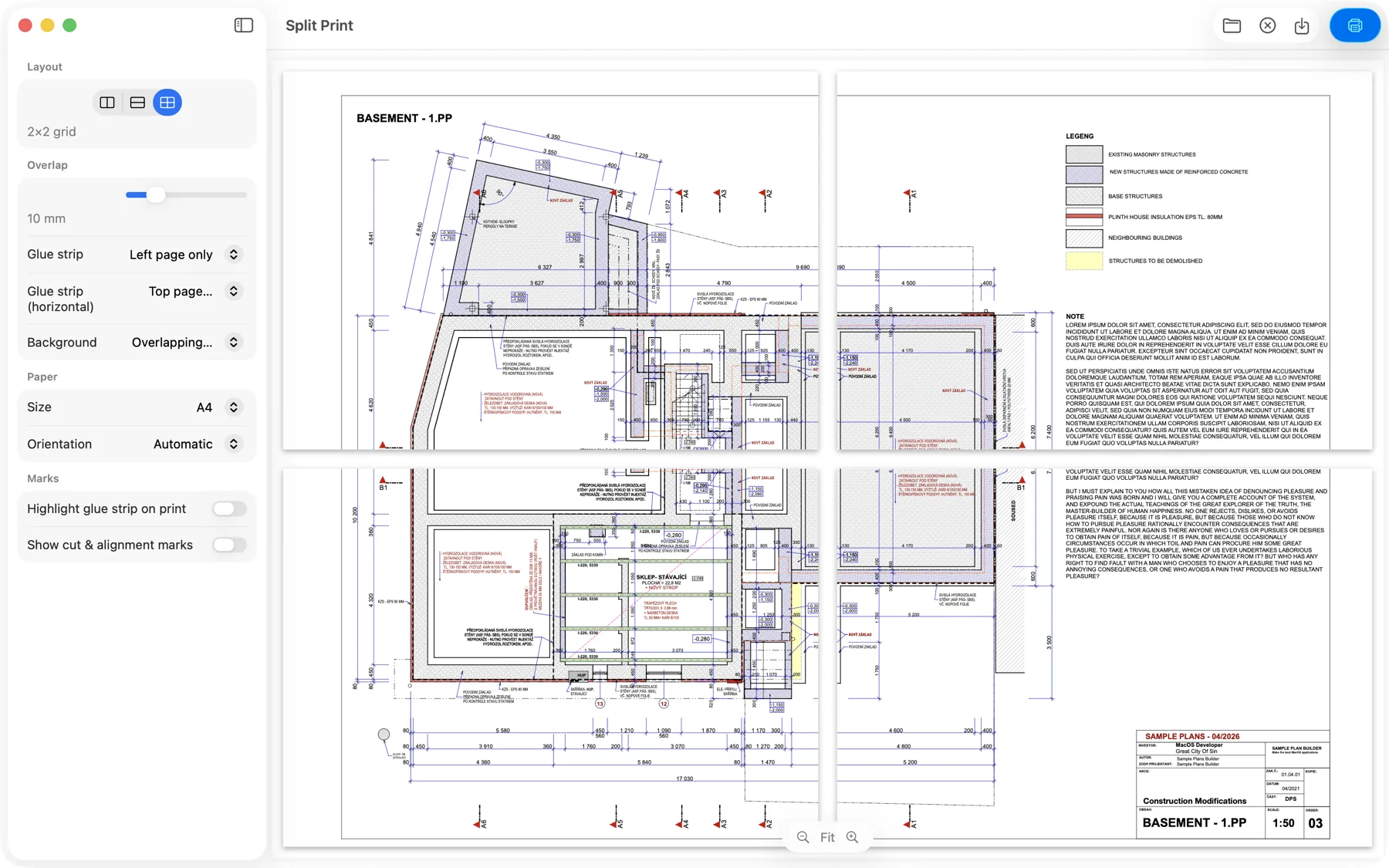
Split Print turns one big image or PDF into several sheets you print on an ordinary printer and join into a single large print — no large-format printer required.
How it works
Print big with the printer you already own. Three steps, one continuous picture.
Drop in your file
Pick a landscape PDF or a photo (JPG, HEIC, PNG) and choose how to divide it.
Print the sheets
Split Print lays the image across multiple pages with a duplicated “glue strip” along each seam.
Fold & glue
Fold along the strip, line the sheets up on the band, and glue them into one large print.
Everything you need to tile and glue
Side by side, stacked, or a 2×2 grid — with precise control over every seam.
See it in action
Use it for posters, photos and artwork whose finished dimensions can change.
Printing guides for your Mac
Choose a layout, check the overlap and prepare your sheets for joining.
Print a PDF across 2 or 4 pages on Mac
A step-by-step guide to paper size, glue strips, PDF export and your first test seam.
Tip: Epson borderless prints too large?
Check Expansion when tiled pages do not line up as expected.
How big could your poster be?
Use the poster size calculator to compare A4, A3 and Letter layouts with your own margin and overlap assumptions.
Print big today.
Split Print is a native, privacy-first Mac app. Nothing you open ever leaves your computer.